
Chapter 13
Worked workflows
Six sessions, each crossing several surfaces in order. They are examples rather than case studies: no customer is named or implied.
The thing worth taking from these is the order. Monitor tells you what to look at; Investigate tells you what it rests on; Analyse tests it; the Builder makes it sendable; the Library makes next week cheaper.
Energy and investment
Hold a view on Gulf energy and maritime exposure through a quarter, and produce an internal note each week.
- Monitor
Open the Gulf Energy & Maritime Risk scope and follow it, and follow the two or three questions inside it your exposure actually turns on.
- Monitor
Read what moved this cycle and what was checked and held. Select a question to see its current reading and its observables.
- Investigate
Open the observable the reading rests on and walk its evidence down to the dated entries and the named sources.
- Investigate
Collect the records you used into a collection named for the exposure, so next week starts where this week finished.
- Brief Builder
Insert the questions that moved, the observables beneath them, the locations they name and the activity series that bears on them.
- Brief Builder
Write the summary in your own voice, annotate the one block that needs a caveat, and export as PDF.
What it leaves behind — A collection that stays current, a saved Monitor view scoped to the exposure, and a brief you can rebuild next week by changing four blocks.
Political risk and consulting
Answer a client question about a mechanism that is changing, with every claim carrying its own source.
- Investigate
Query the instrument, the actors and the places by name. Read the family facets to see what the corpus holds before reading anything.
- Investigate
Select the records that bear on the question and collect them.
- Compare
Put the two records the answer turns on side by side, and read what one carries that the other does not.
- Scenario Lab
Hold the client’s stated assumption and read which parts of the recorded system become relevant, affected or stressed. Save the run.
- Brief Builder
Build the answer from the collected blocks, state the assumption explicitly as the client’s, and export with the evidence pack.
What it leaves behind — A saved query, a saved comparison, a saved scenario run under the client’s assumption, and an export whose citations can be checked without you.
Policy and diplomacy
Understand what an institutional dependency rests on, and test one condition against it.
- Monitor
Select the question and read the actors and places its records name.
- Network
Open the question in Network. Read the relationship records and institutions its fields name, and trace the documented path to the dependency — reading each step’s basis, and remembering that a path is a chain of references, not a cause.
- Investigate
Open the observables that check it and read their stated limits before their readings.
- Timeline
Assemble the dated sequence that produced the current position, and keep it as a set.
- Scenario Lab
Hold the one condition the policy question turns on, and read the invalidators as carefully as the implications.
- Brief Builder
Produce a note whose first section is what the reading cannot establish.
What it leaves behind — A timeline you can re-open when the next development lands, and a note that states its own uncertainty.
Conflict and security research
Track a theatre continuously rather than incident by incident.
- Monitor
Open the module, follow its questions and its recorded-activity series, and save the workspace as a view.
- Tempo Lab
Read the series over the window you care about. Open a bin to see the records it counts, with their bases and sources.
- Investigate
Trace a period that changed down to the events and developments behind it.
- Timeline
Build the sequence from those canonical records.
- Brief Builder
Produce the structured brief, with the Tempo strip printed beside the chronology.
What it leaves behind — A saved Monitor view that reopens exactly as you left it, and a brief whose activity figures carry their own inclusion rule.
NGO and humanitarian research
Establish what is recorded about civil systems and access in a theatre, and what is not.
- Humanitarian & Resilience
Open Conditions on the module and read where each civilian system stands — running, flagged, stated or not stated — with its date and the evidence behind it.
- Humanitarian & Resilience
Switch to Access: the crossings and corridors by the access state their records state, then Services on the service that matters — what it rests on, and what rests on it.
- Humanitarian & Resilience
Open Exposure on the civilian chain the service files and select an edge to read why Vigil connects two steps; pin the service, the crossing and the chain.
- Investigate
Open the Civil resilience lens and select the observables that bear on continuity, reading their stated limits.
- Brief Builder
Add the pinned records from the tray and produce a structured output whose gaps section is drawn from the records’ own stated limits rather than written.
What it leaves behind — A pinned set that reopens from its address, and an output that is explicit about what is recorded and what is not.
Defence and security research
Establish how one force is organised, what it fields on what evidence, how it has been employed, and what it depends on to keep operating — without claiming a strength, a position or a readiness the records do not state.
- Forces & Operations
Open Forces on the module and select the formation: the chain of command above it, its subordinates in the Atlas’s own groups, what it fields with the grade and rung each claim carries, and its posture and published seats. Open Full structure when you need the whole tree.
- Forces & Operations
Switch to Equipment on the system that matters and read its lane — variants, operators, formations with their rungs, industrial base, sustainment, recent change — with announced kept apart from fielded; then Doctrine on the force, reading the four registers in order and the exceptions before the method.
- Forces & Operations
Open Operations on the documented campaign and walk its phases; select an edge to read that it is a sequence and not a manoeuvre. Then Sustainment on the formation and follow the handoff into Economy & Logistics on the record it depends on.
- Forces & Operations
Pin the formation, the system and the campaign and open the compare tray: documented systems, published seats, sustainment edges and dated changes side by side, with NOT COMPARABLE where a record cannot answer.
- Brief Builder
Add the pinned records from the tray and produce a structured brief whose claims carry the records’ own dates, grades and sources, and whose gaps section is drawn from what the records do not state.
What it leaves behind — A pinned set that reopens from its address, and a brief in which every claim about a force is the record’s own claim with its basis.
Supply chains and logistics
Establish what one strait, corridor or pipeline carries, what depends on it, what has been documented to change — and hand the result to a colleague who can check it.
- Economy & Logistics
Open Systems on the module, choose the strategic system, and read its topology: what it depends on, the operators and commodities on it, the supply systems through it, the chains and questions that name it. Select an edge to read why Vigil connects the two.
- Economy & Logistics
Switch to Flows on the supply system that matters, select the node you care about, and trace downstream: the authored sequence after it, and the chains and exposures that land on it. Expand one step where another flow shares the node.
- Economy & Logistics
Pin the system, the flow and the two or three markers, and open the compare tray: dependencies, documented disruptions, newest dated change and review dates side by side, with NOT COMPARABLE where a record cannot answer.
- Monitor
Follow the Watch question the system names, so the next reviewed change reaches your desk without being looked for.
- Brief Builder
Add the pinned records to a brief from the tray, write what the topology showed in your own words, and export with the records’ own dates, grades and sources.
What it leaves behind — A pinned set that reopens from its address, a followed question, and a brief whose every block is a canonical record the workbench can redraw next week.
One record, all the way through
If you would rather see a single record travel the whole chain than a session travel the whole product, the walkthrough's public record page follows one published observable from the exposure above it, through the question it extends and the evidence beneath it, to the scenario that cites it and the briefing it can end in — with the surfaces it is read on at each step.
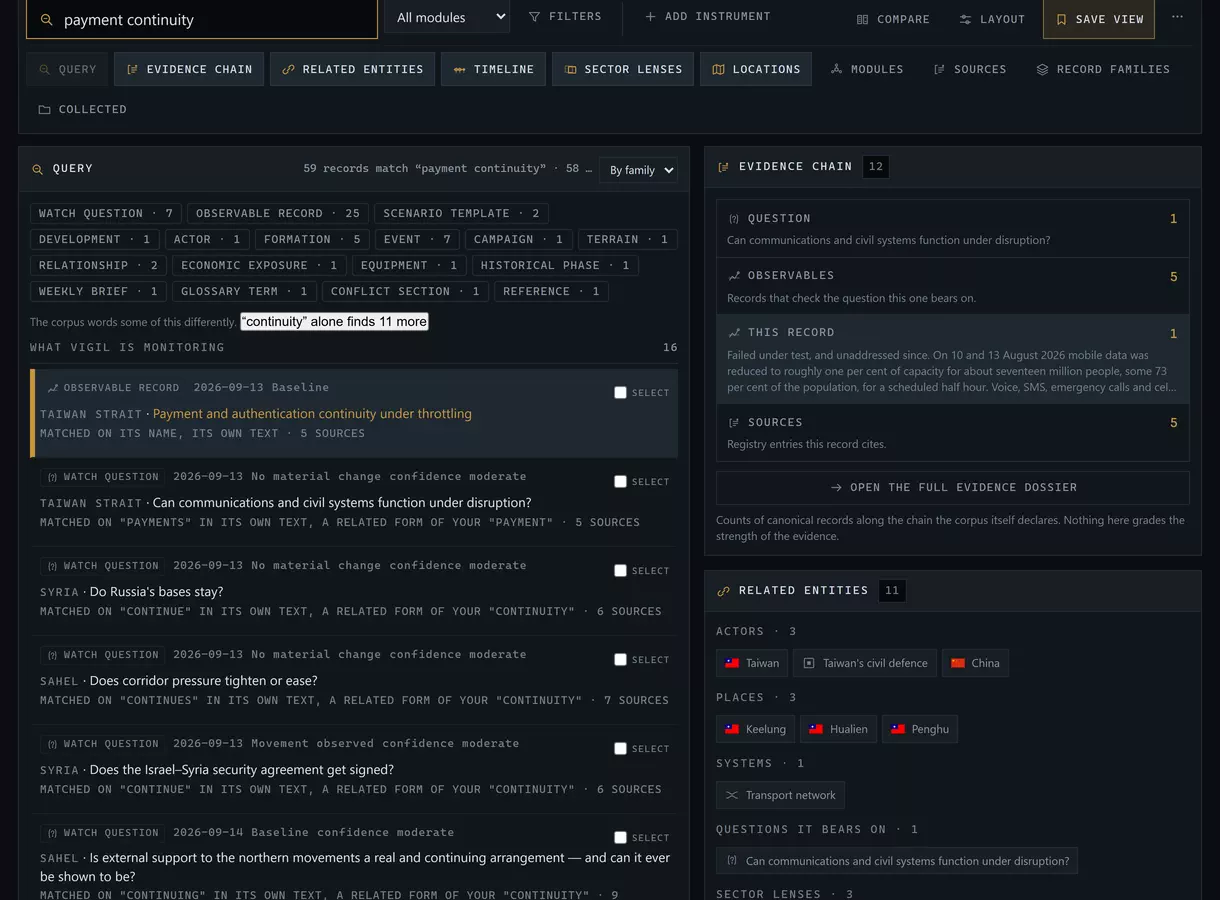
The habit worth forming in week one. Open the draft before you start reading. Every Add to brief you press while researching lands in it, and the briefing assembles itself as you work instead of being rebuilt from memory afterwards.
Next: Reference — troubleshooting and the glossary.