
Chapter 01
Quick start
Eleven steps, about twelve minutes, and you will have followed a question, traced its evidence, seen the system it runs on, tested one assumption and produced a briefing you can come back to.
Do this once in order. Everything you use here has a chapter of its own; none of it is needed yet.
Sign in
Ask for a link
Enter your email address. Vigil sends a link that signs you in; there is no password to choose. The link works once and expires after fifteen minutes.
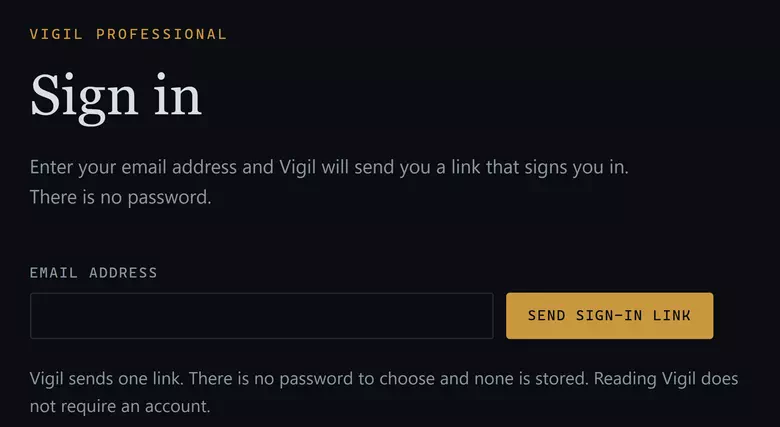
The whole of signing in. Vigil answers the same way whether or not an address has an account, so the message on screen says nothing about your address. My Vigil
Land on the desk
On a new account the desk opens on Three moves fill this desk: follow what you are responsible for, trace what a reading rests on, make something somebody else can check — each with the door it goes through. It disappears once you have followed or saved anything. Open Monitor.
Monitor
See what the cycle found
Monitor opens on the current review cycle across the modules your subscription covers: how many questions were reviewed, how many moved, and how many were checked and found unchanged. To narrow it to one module or one Standing Watch scope, use the Workspace selector at the left of the toolbar.
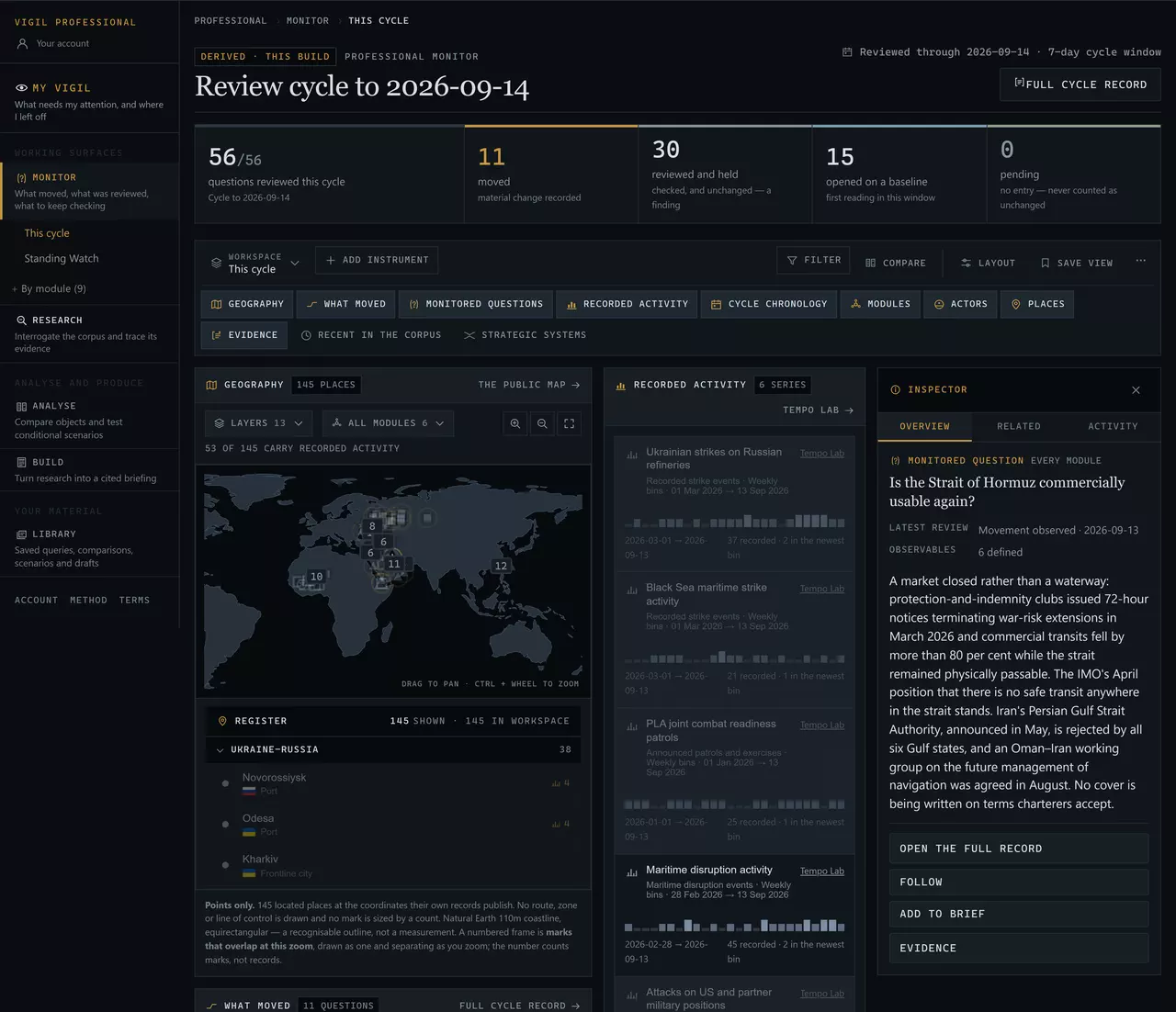
The counts are of reviews, never of events. A question “reviewed and held” is a file somebody checked and recorded as unmoved — a finding, counted as one. Monitor
Select a question
Press any row in What moved, or open a review state under Monitored questions and press a question there. The inspector on the right fills with that record: its latest review, how many observables check it, and what it currently says. PressFollow — that is the one action worth taking on your first visit. Escape or Close puts the inspector away and returns you to the row you pressed.
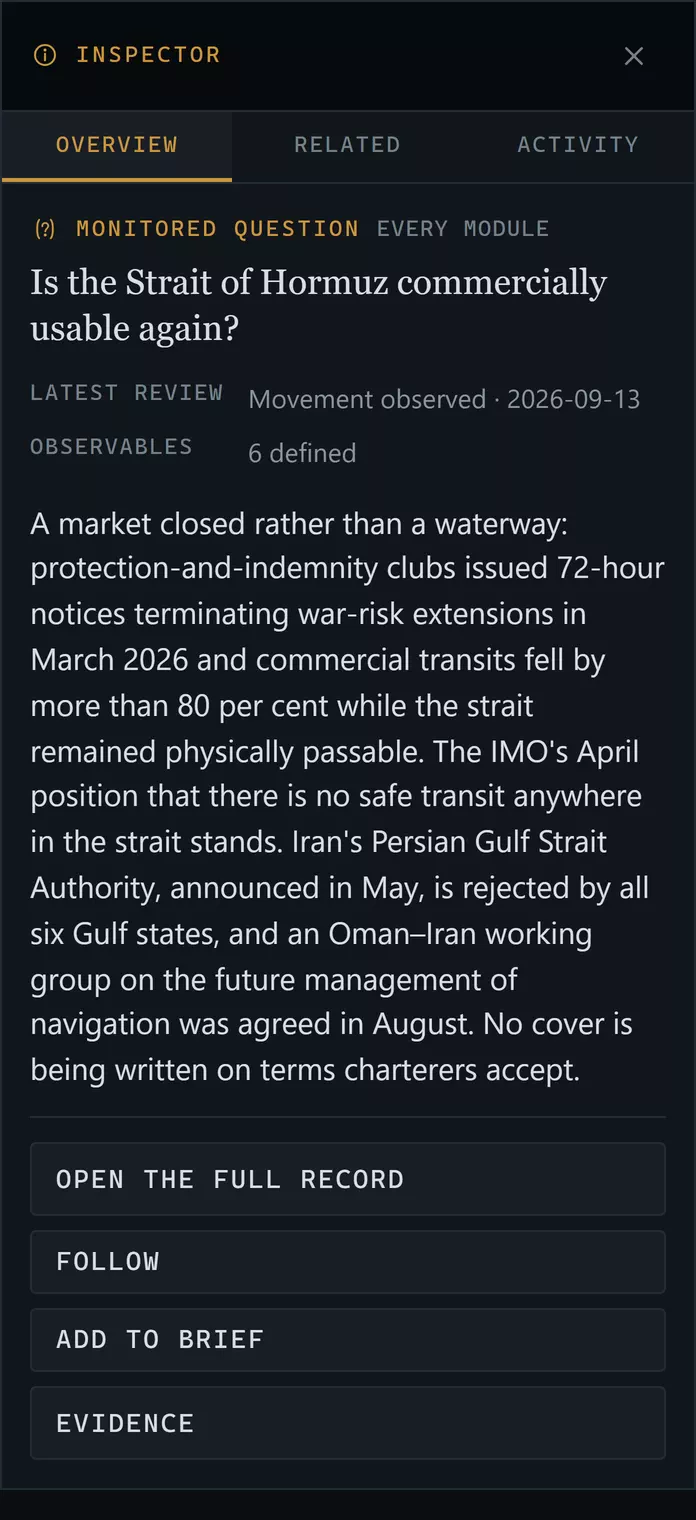
Selecting anything on the workspace opens the record behind it, and what can be done with it next. Investigate
Ask the corpus a question
Open Investigate. Before you type, it lists the questions and readings reviewed most recently. Type a place, an instrument or an actor: results come back grouped by record family, so you can see the shape of what matched before reading any of it.
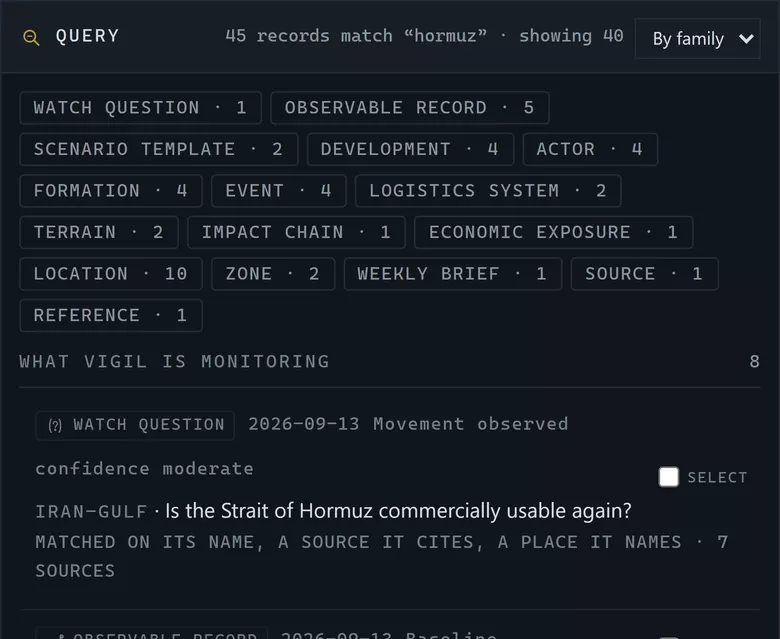
- How many records matched, and how many are being shown.
- The families that matched. Press one to narrow to it.
- Each result says what it matched on — its name, its own text, a source it cites, or a place it names.
A query answers by family. Nothing here is ranked by importance; the order is the corpus's own. Investigate
Follow one reading down to its evidence
Select an observable record. The panel beside it fills with the chain beneath it: the question it bears on, the observables that check that question, this record, and the registry sources it cites.
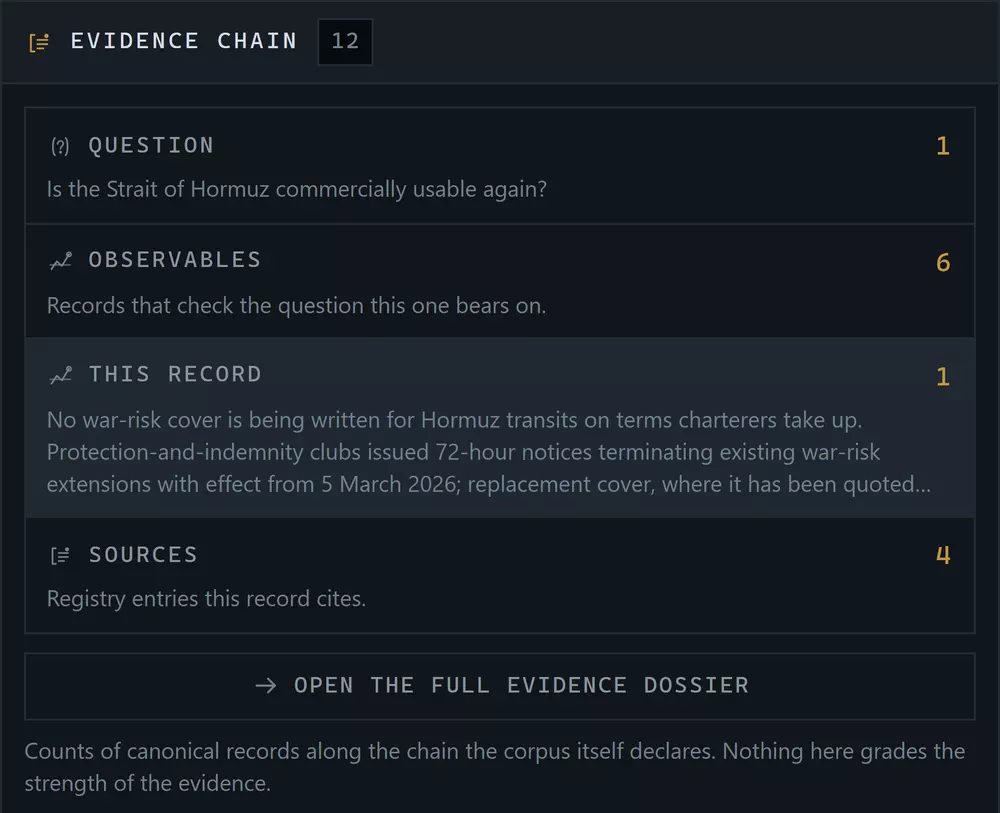
Four counts of canonical records, declared by the corpus. A citation count is a count of citations — it does not grade how strong the evidence is. Investigate
Keep what you found
Tick Select on the records you want and collect them, or press Save view to keep the query itself. Saving the query rather than the results is usually the better move: the query re-runs against the corpus as it is today, and the results do not.
Economy & Logistics
See the system it runs on
Where the reading names a strait, a terminal, a refinery or an operator, open Economy & Logistics in the rail. Systems draws the strategic system as a summary — what it rests on, what it is, what runs through it, what depends on it; Flows follows one supply system in its authored order, upstream and downstream. Select a node to open its record, an edge to read why Vigil connects the two, and pin what you want to compare. Where it names a crossing, a civilian service or a resilience programme instead, open Humanitarian & Resilience: Conditions, Access and Services work the same way. Where it names a formation, a weapon system or a campaign, openForces & Operations: Forces, Equipment and Operations work the same way again.
Scenario Lab
Hold one condition
Open Analyse → Scenario Lab and pick a template in the module you were reading. Set the assumptions on the left. The middle column reports which parts of the recorded system become relevant, affected or stressed under exactly that set — and the right column tells you what would invalidate the premise and what the template does not model.
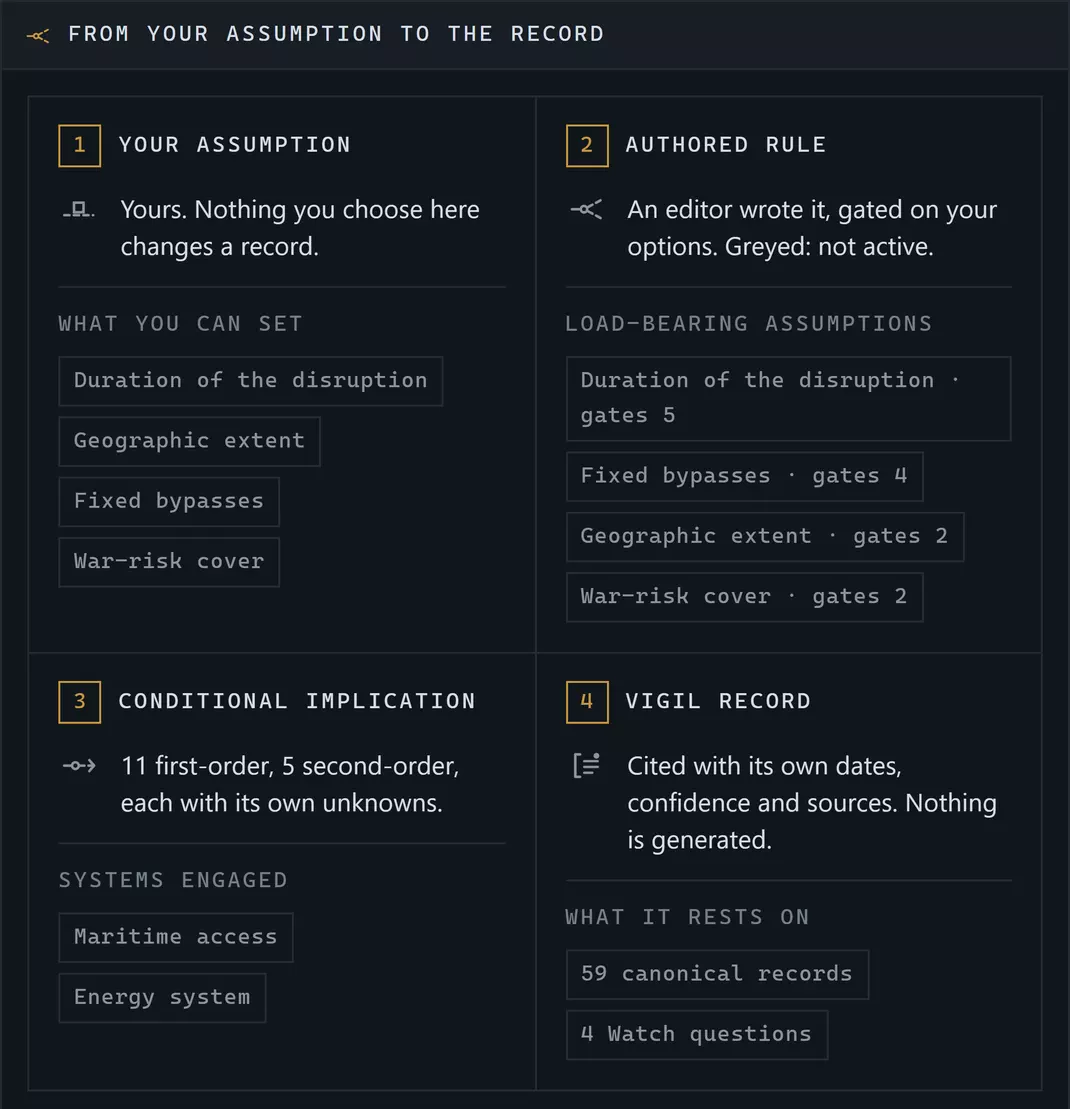
Nothing you choose changes a record. The implications are rules an editor wrote, gated on your choices, citing the records they rest on. Brief Builder
Put it into a document
Anything you met on the way here had an Add to briefaction. Open Produce → Brief Builder and the blocks are waiting. Add a heading and a paragraph of your own, and watch the document panel count what you have: blocks, sections, sources cited, and anything unresolved.
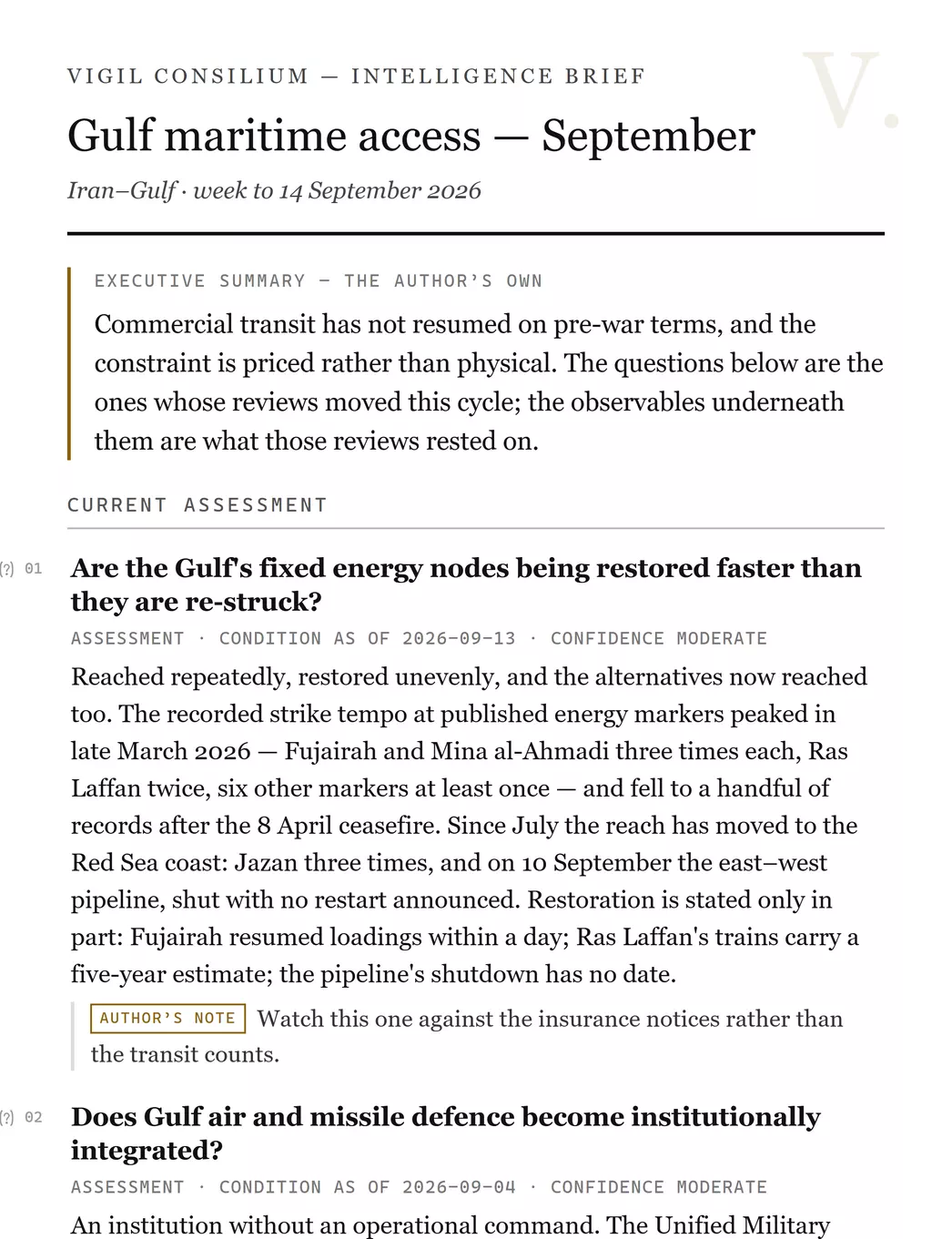
Vigil's wording prints as Vigil's, with its own register, date, confidence and sources. Your words print as yours and are labelled as yours. Return
Save, and leave
Press Save. Go back to My Vigil: the brief is in Continue where you left off, the question you followed is under what you follow, and the collection is in the Library. Come back in a fortnight and the desk will open on what moved since.
What you have not doneNothing in those ten steps changed a Vigil record, and nothing could. The corpus is editorial; what you make is yours, sits beside it, and points at it.
Where to go next
How it works explains why the chain you just walked holds together, and why a correction to a record reaches the brief you just saved. If you would rather keep working, each surface has its own chapter: Monitor, Investigate, Network, Economy & Logistics, Humanitarian & Resilience, Forces & Operations, Analyse and Brief Builder.